Create Table Indexes
Add indexes to your tables to speed up queries on frequently searched fields.Overview
An index is a data structure that MariaDB maintains alongside your table to make certain queries faster. Without an index, a query that filters by a column must scan every row in the table. With an index on that column, MariaDB can jump directly to the matching rows.
Adding indexes is especially important on:
- Fields used in
WHEREclauses (e.g.WHERE slug = ?) - Fields used in
ORDER BYorGROUP BY - Foreign key fields
Index Types
Datasquirel supports the following MariaDB index types:
| Type | Description |
|---|---|
| INDEX | A standard non-unique index. Use this to speed up queries on any column that is not required to be unique. |
| UNIQUE | Like INDEX, but also enforces that no two rows can have the same value for the indexed column. |
| FULLTEXT | A full-text index used for text search with MATCH ... AGAINST. Applies to TEXT and VARCHAR columns. |
Adding an Index
From the Field Settings
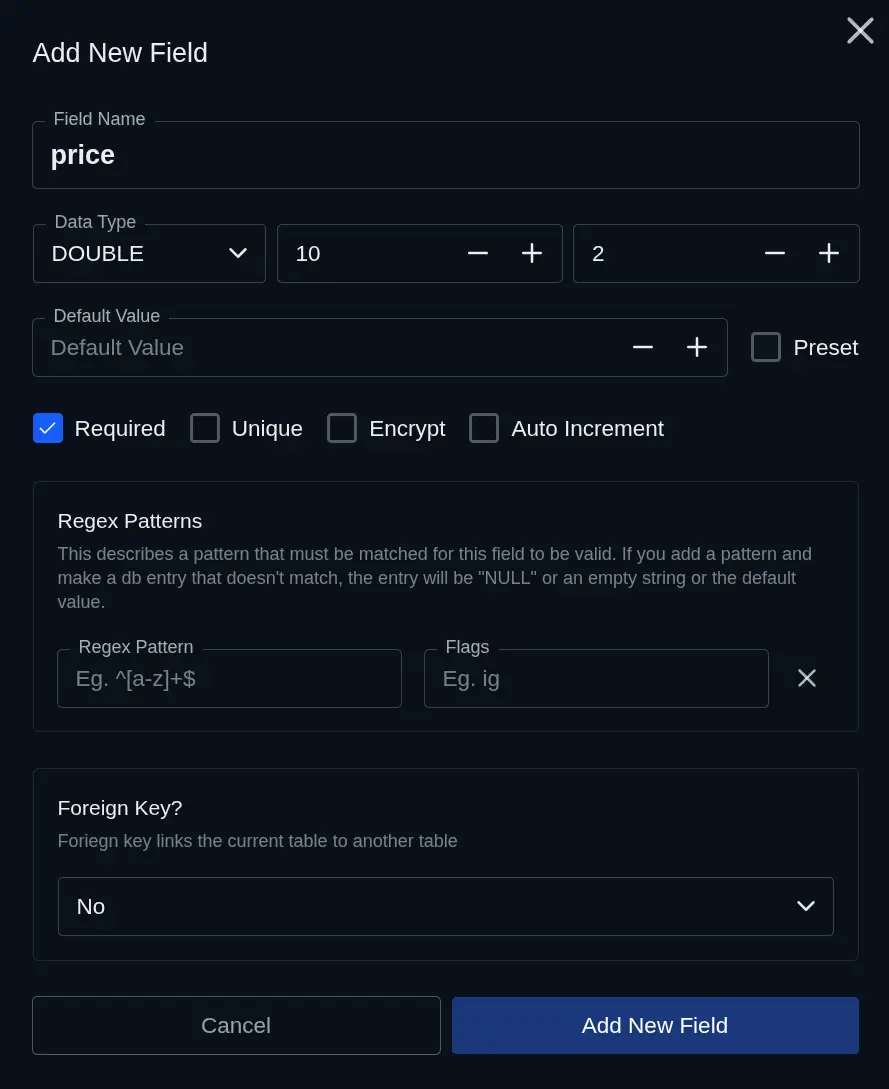
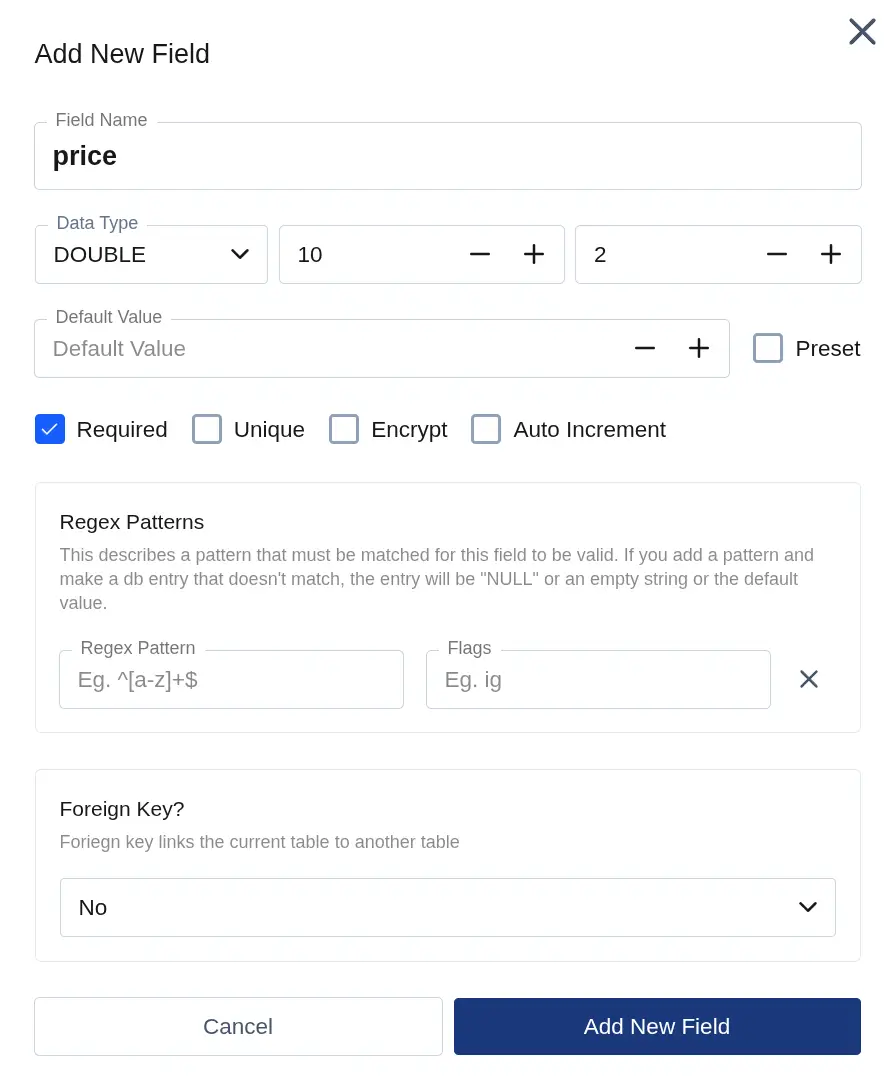
The simplest way to index a field is directly in the field editor. When creating or editing a field, click More and enable the Unique option — this creates a UNIQUE index on the field.
From the Table Schema Editor
- Open the table in your admin panel.
- Navigate to the Schema or Indexes tab.
- Click Add Index.
- Select the index type and choose the field(s) to include.
- Save the index.
Notes
- Every table automatically has a PRIMARY KEY on the
idcolumn. This index is created by Datasquirel and cannot be removed. - Adding an index on a large table may take a moment as MariaDB rebuilds the index structure.
- Indexes speed up reads but add a small overhead to writes (INSERT, UPDATE, DELETE). Only index fields you actually query on.
What's Next
- Create Table Fields — understand field types and constraints
- API Reference → GET — use query parameters to filter and sort data