Built to run the whole data layer
From schema design and raw SQL to media delivery, replication, and access control, Datasquirel gives you the tools to build, operate, and share production databases from one place.
Database Cloning
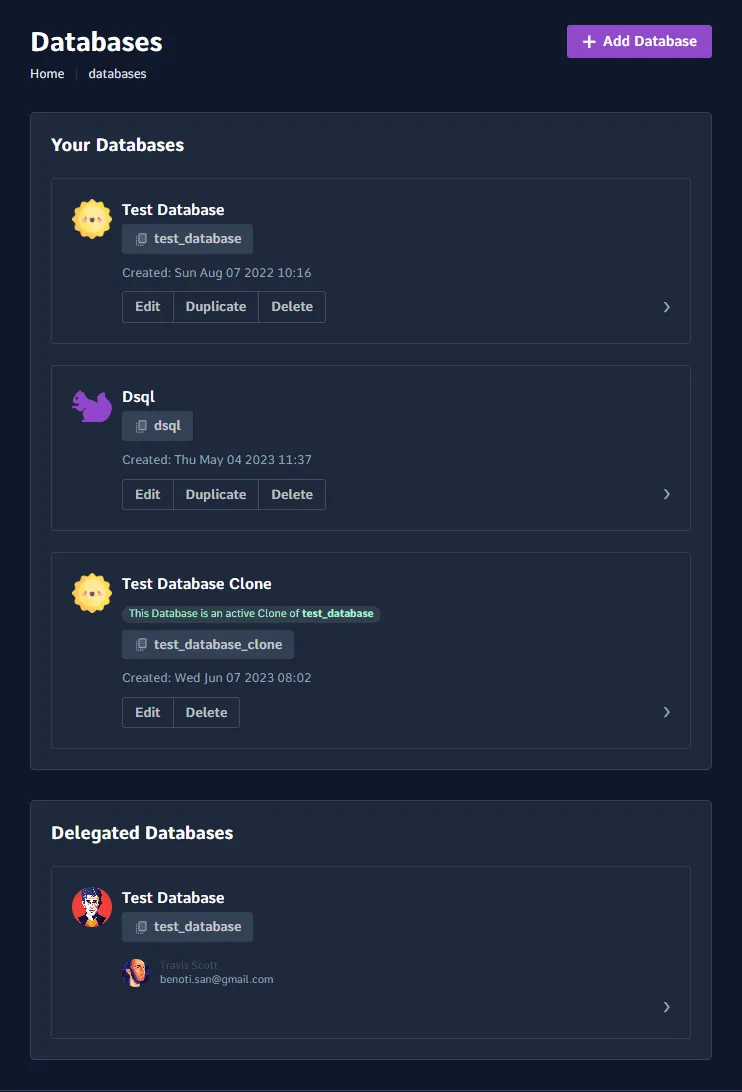
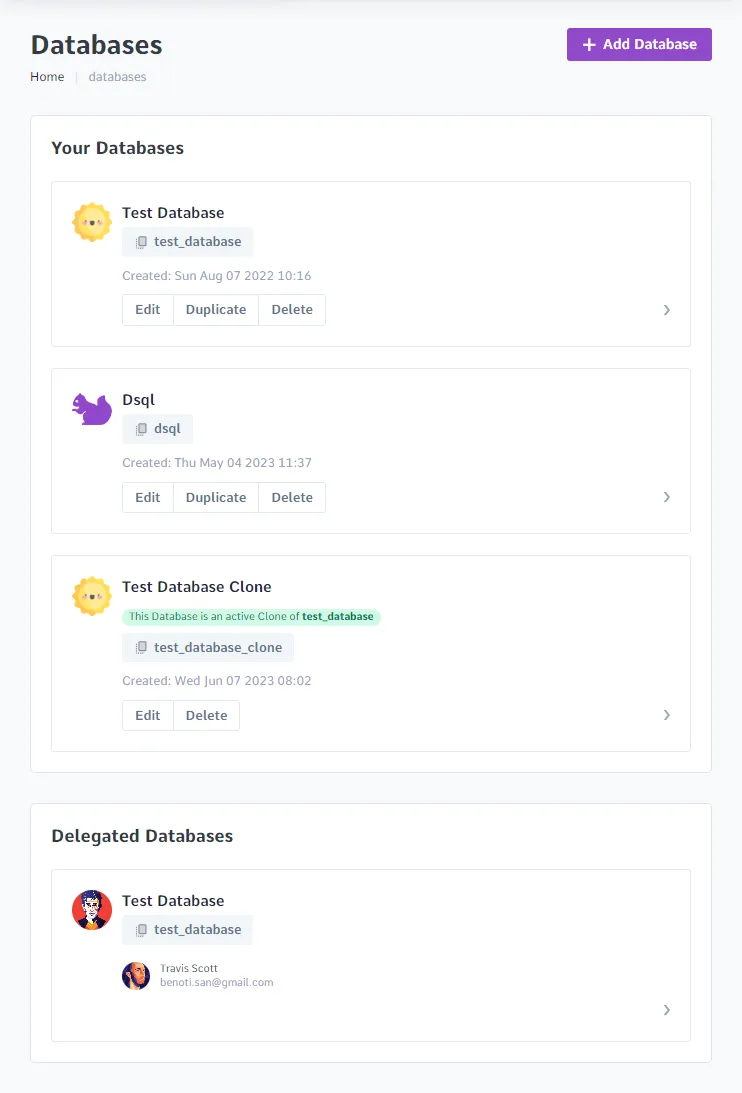
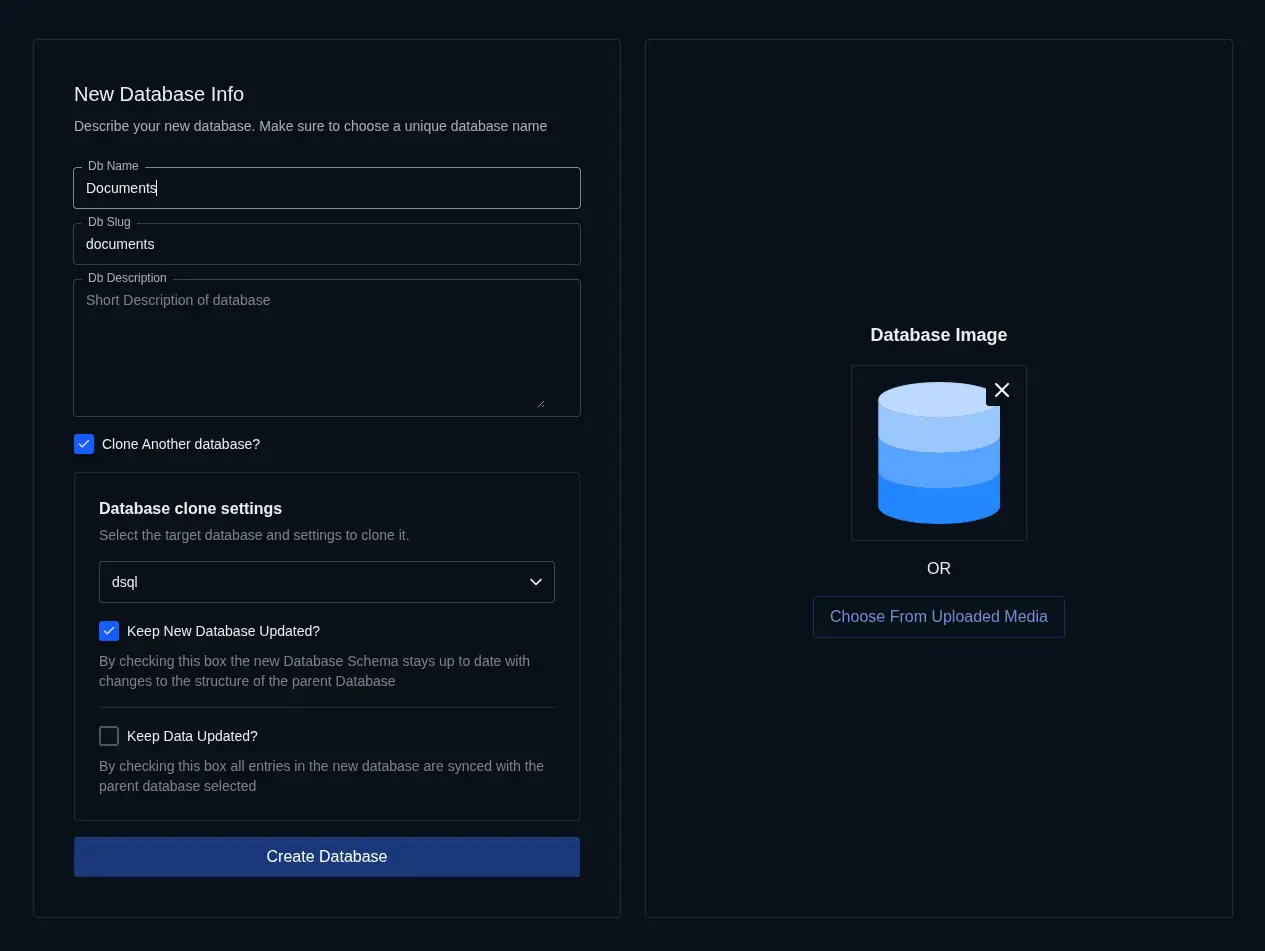
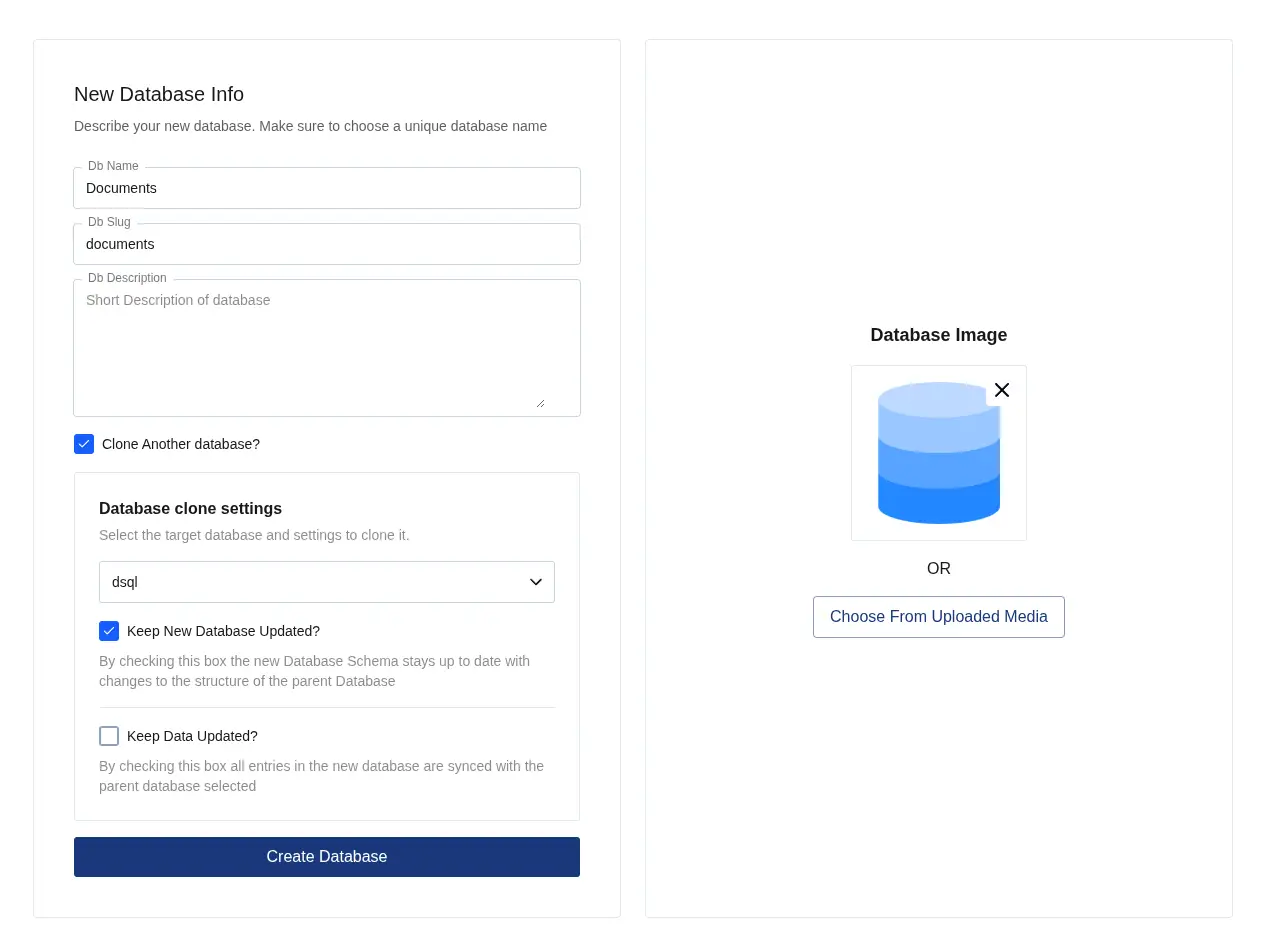
Create a full working copy of any database in minutes, then keep its structure aligned with the source as your schema evolves. It is a simple way to spin up staging, tenant templates, or isolated environments without rebuilding everything by hand.
Clone between any databases in your account
Bring over columns, indexes, and constraints
Choose schema only or schema plus data
Table Cloning
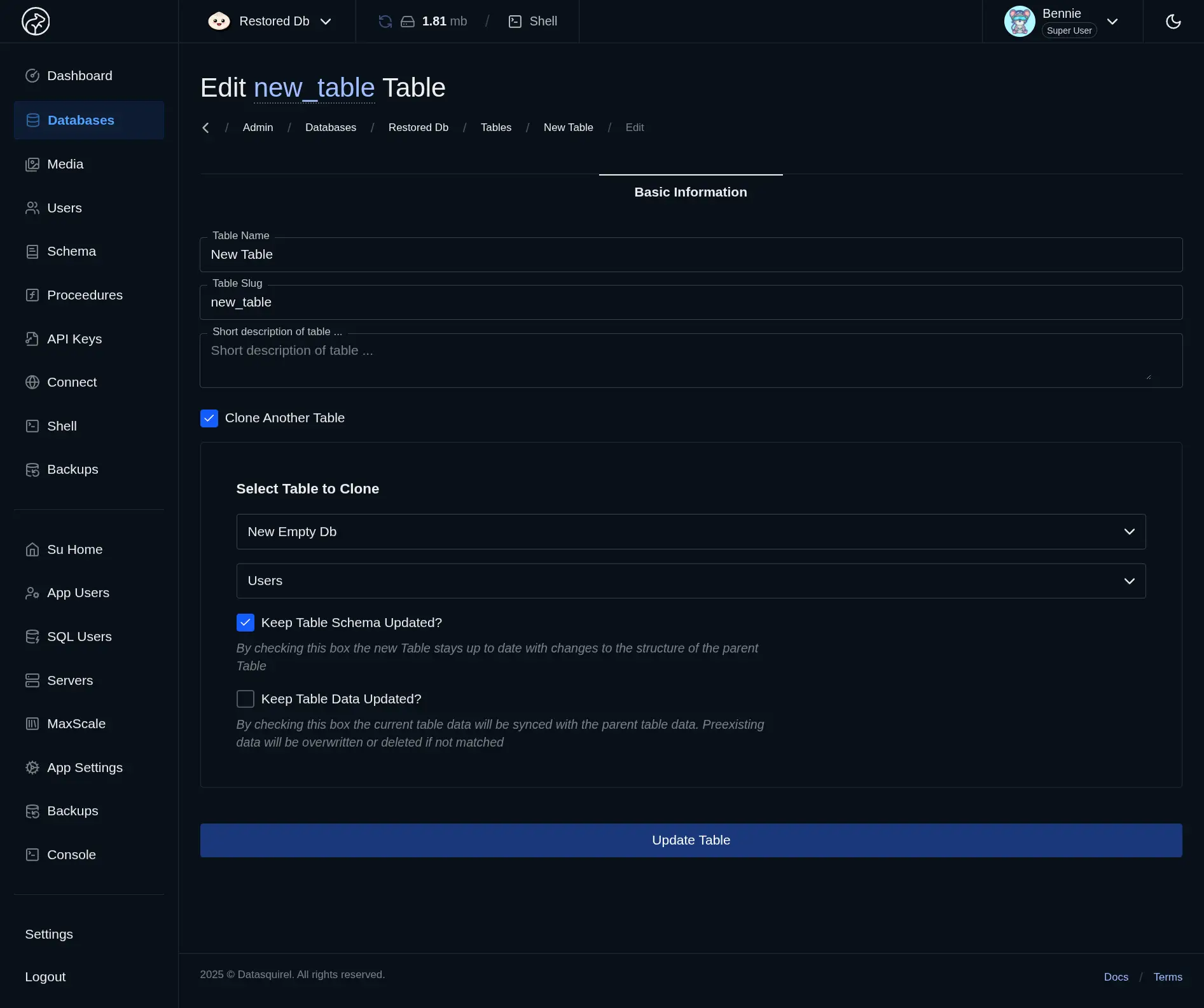
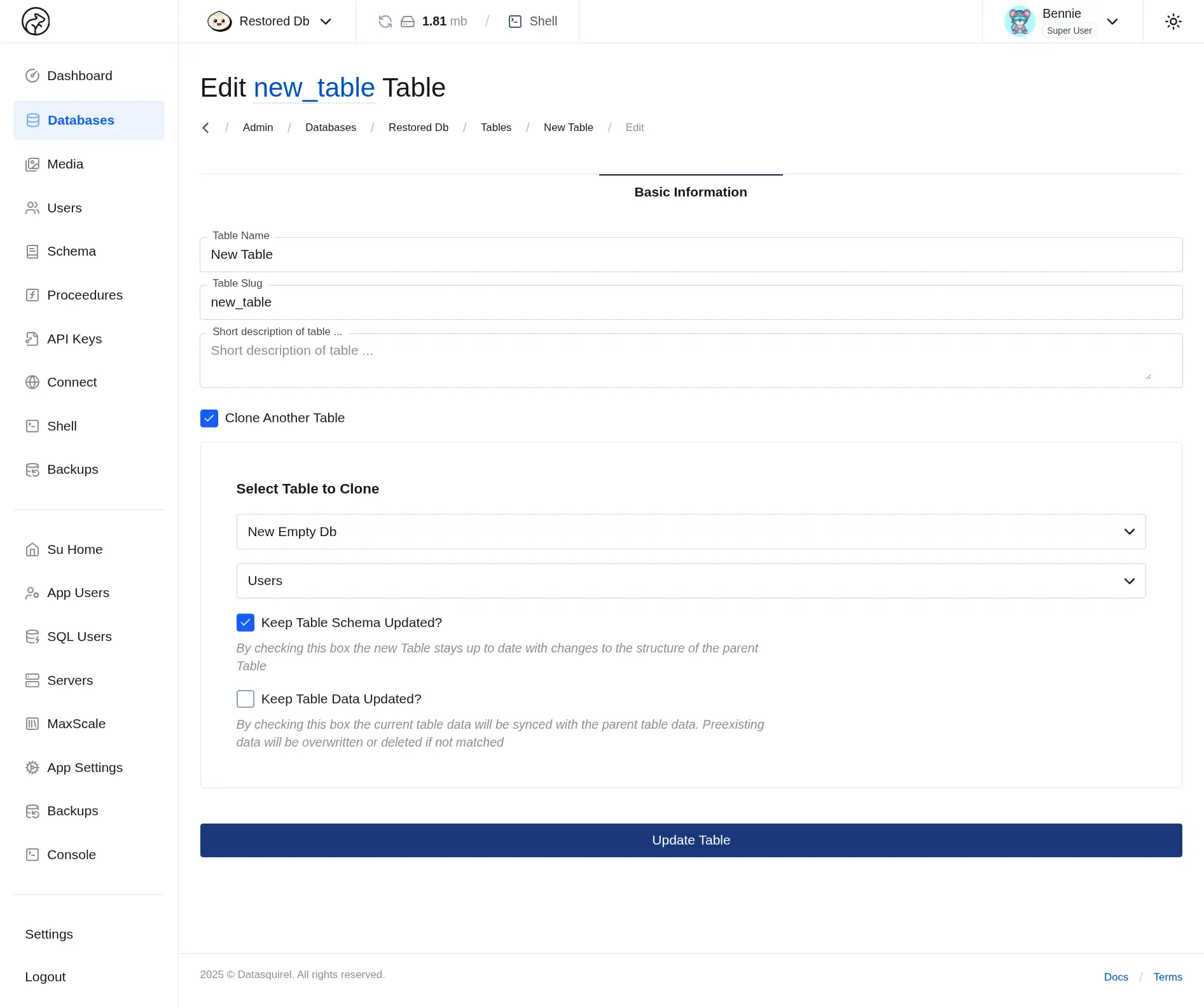
Copy a single table whenever you need a safe place to test changes, seed a new workflow, or reuse a proven structure somewhere else. Datasquirel carries over the schema details that matter, so the clone behaves like the original from the start.
Copy tables within or across databases
Preserve fields, indexes, and constraints
Create isolated tables for testing and ops
Full SQL Support
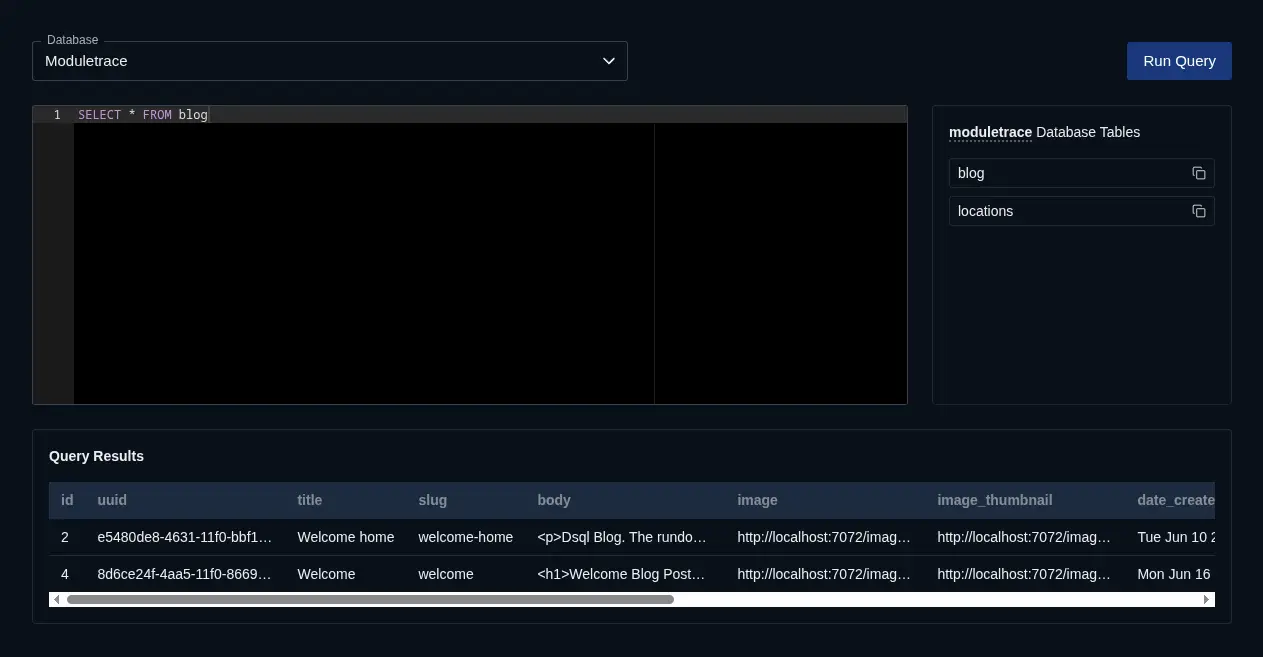
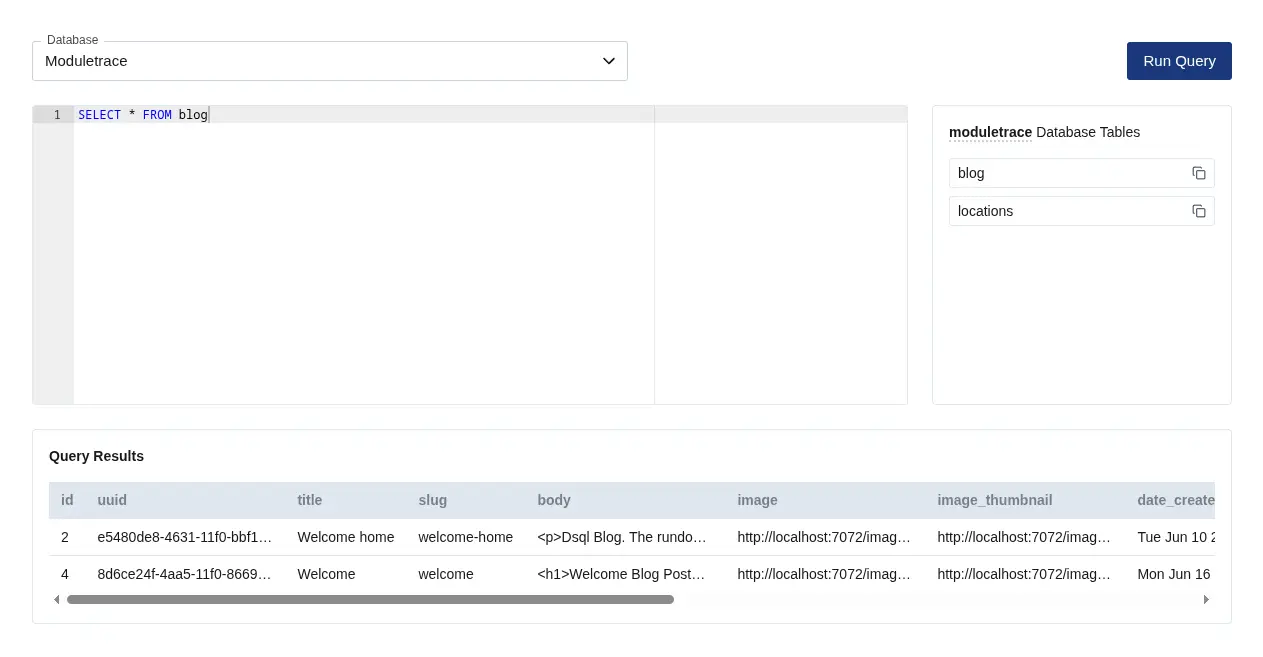
Datasquirel stays close to the database. Model tables with familiar MariaDB types, inspect the schema directly, and run raw queries whenever you need the precision that abstractions usually hide.
Use native MariaDB column types and constraints
Send raw SQL through the API or admin shell
Work without an ORM translation layer
Handle advanced queries when CRUD is not enough
Media Storage
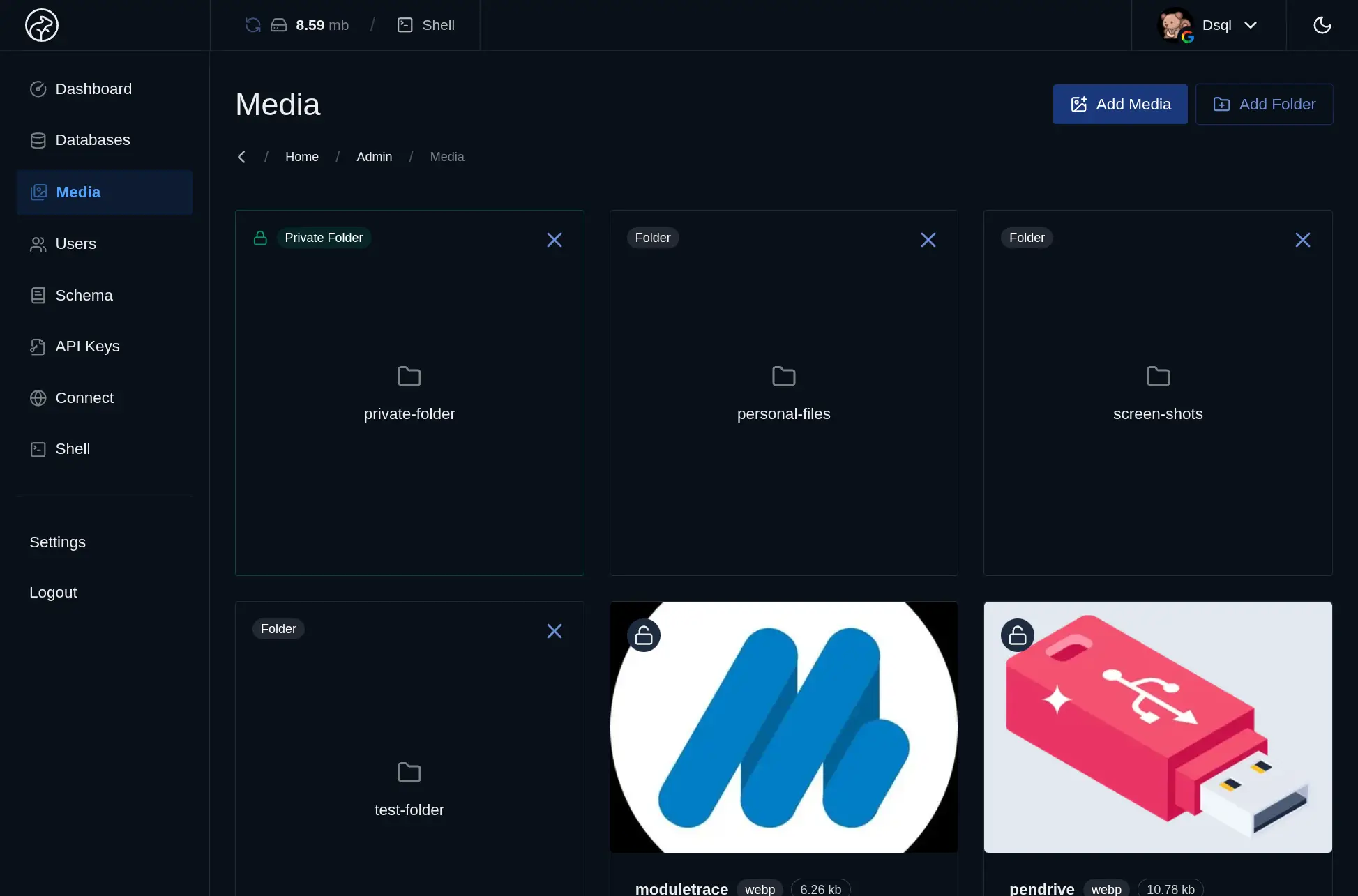
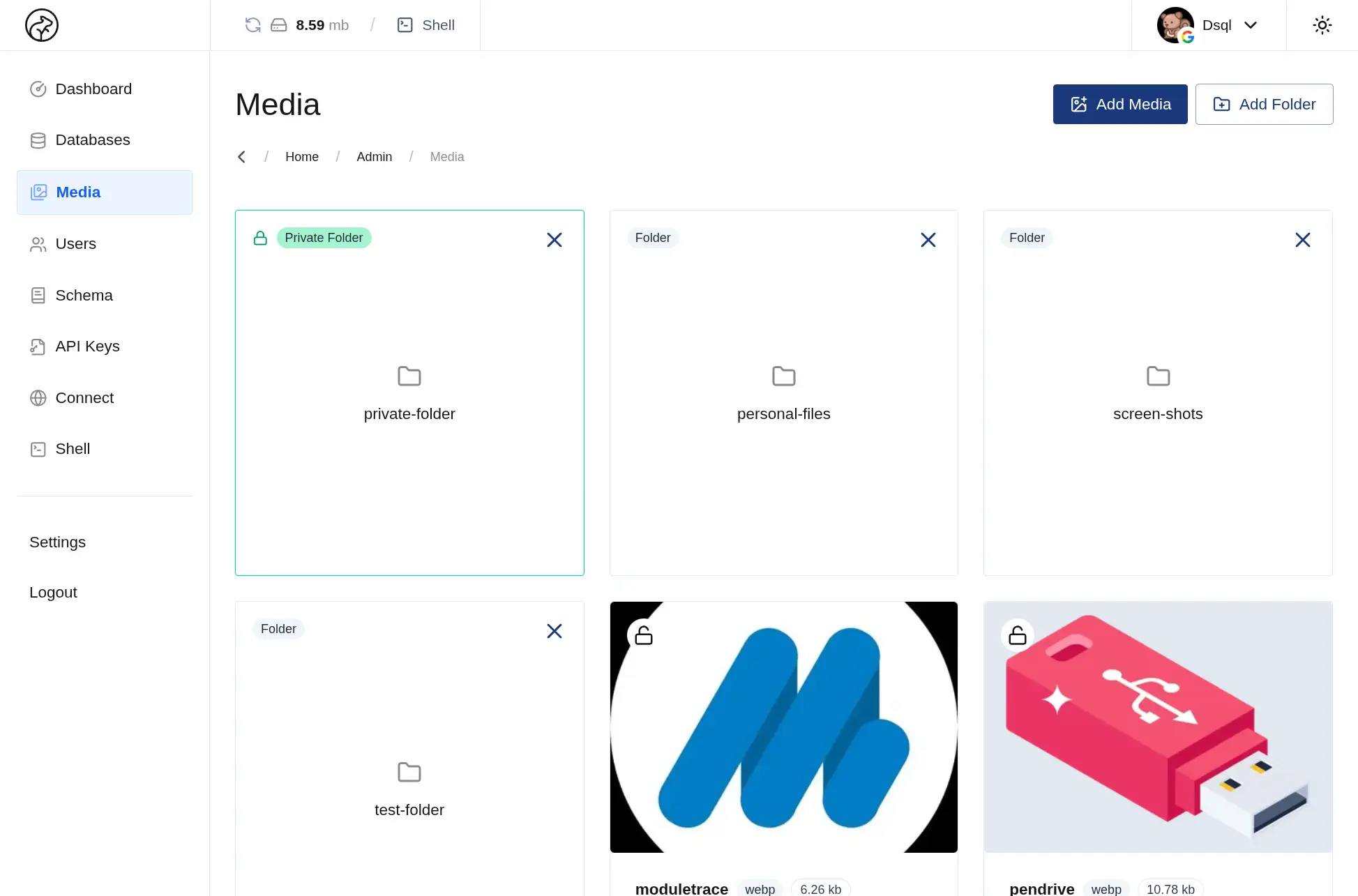
Store uploads next to the records they belong to, then serve them immediately from Datasquirel. Public folders, private folders, thumbnails, and API uploads are all part of the same workflow instead of a separate storage stack.
Public and private folder support
Automatic thumbnails for uploaded images
Short-lived keys for protected media
Dedicated file serving outside the main API
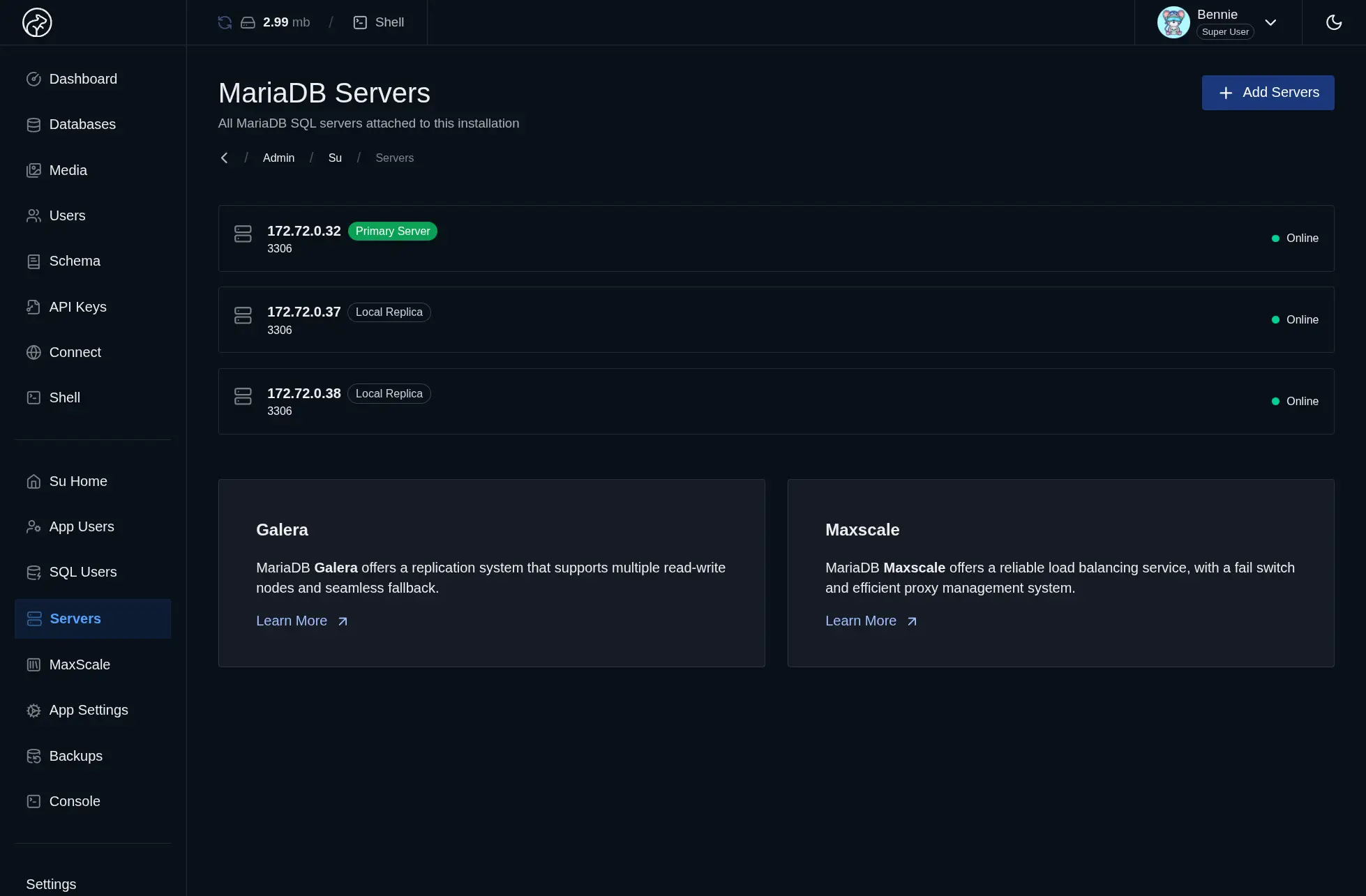
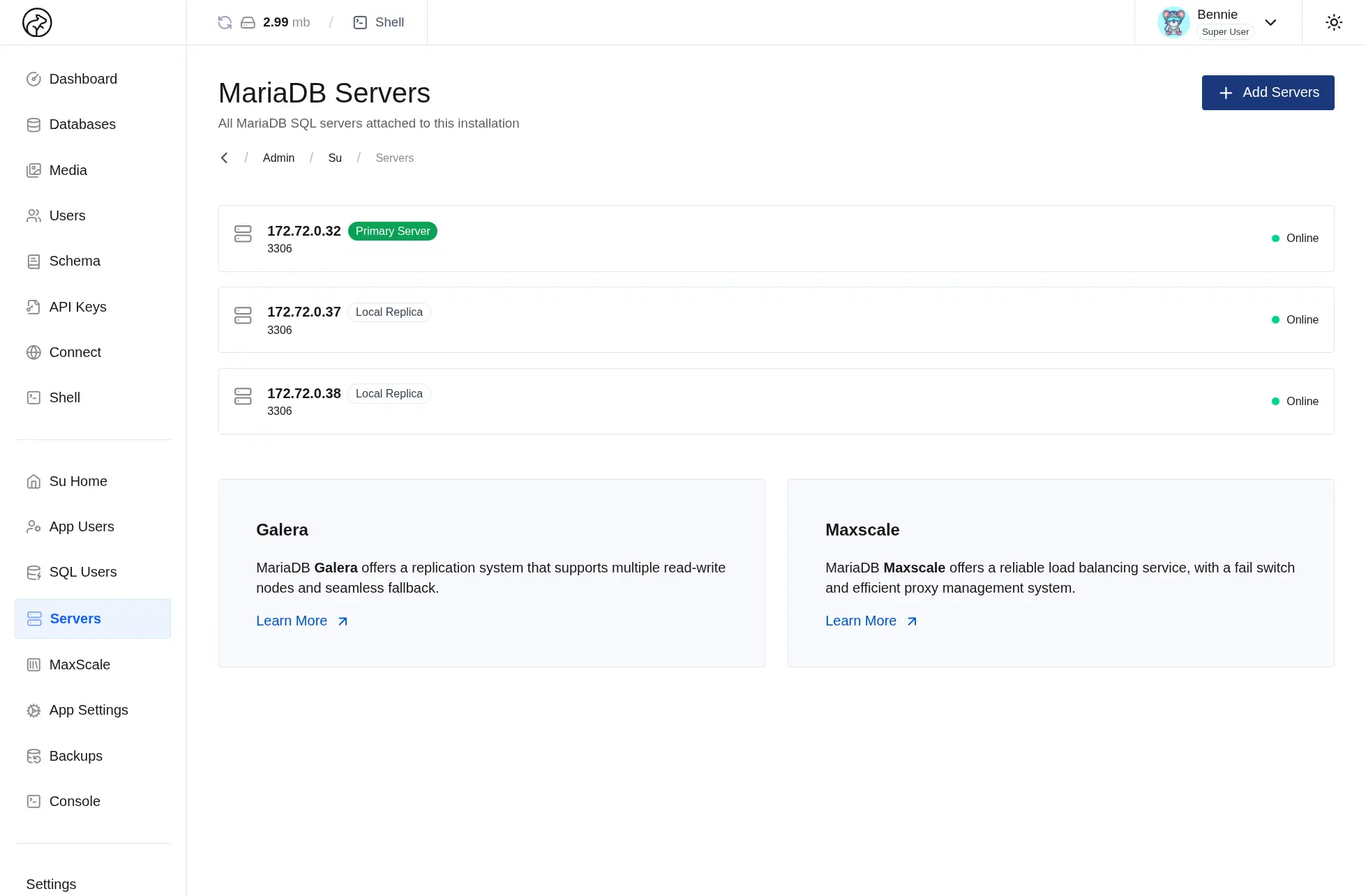
High Availability & Load Balancing
Datasquirel ships with a 3-node MariaDB Galera cluster and MaxScale for load balancing and automatic failover, giving you a resilient default architecture from the first deploy instead of a scaling project you have to build later.
Three-node cluster included by default
MaxScale routes traffic across healthy nodes
Failover happens without manual intervention
Built for uptime under real production load
Rich Editors
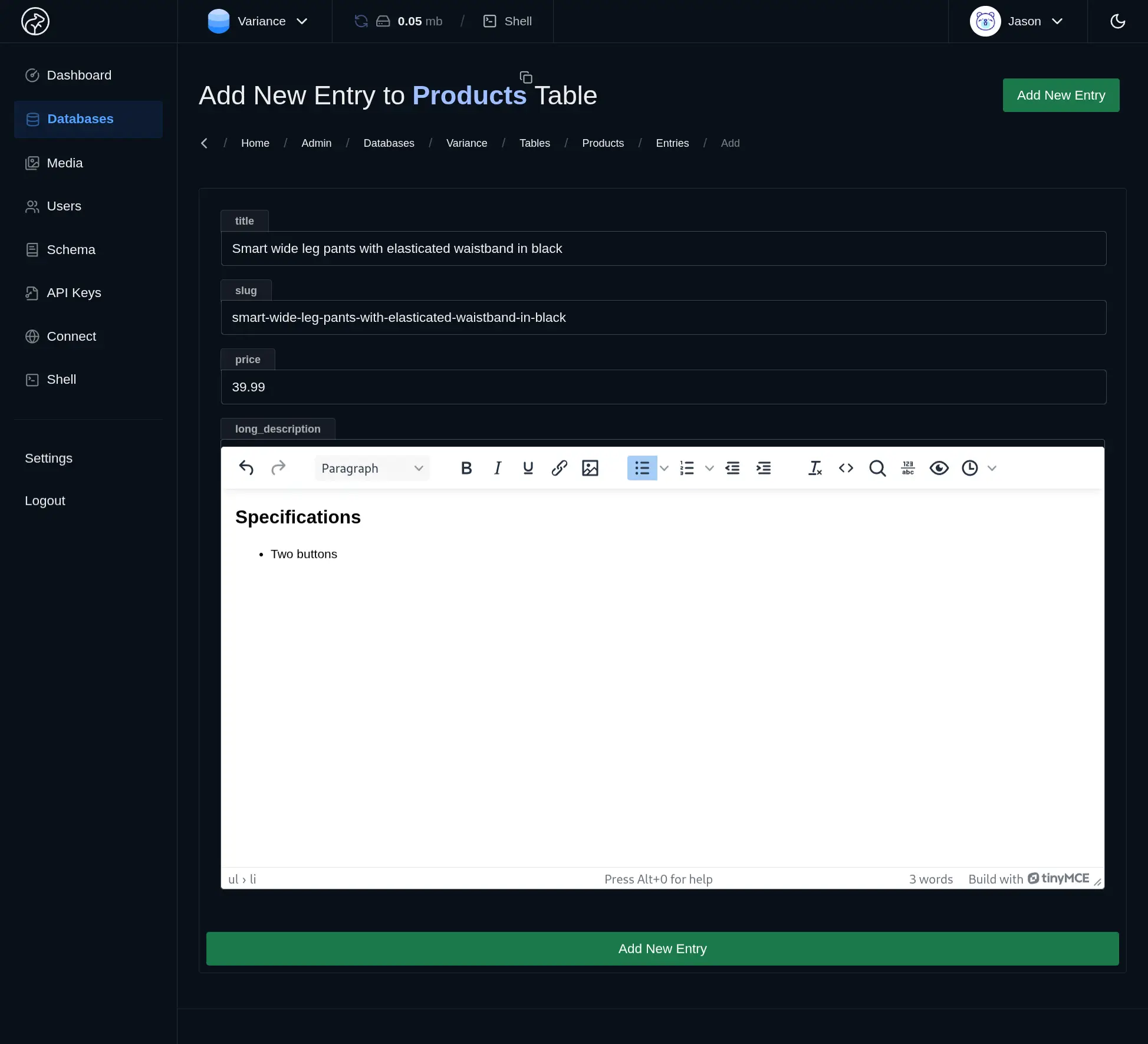
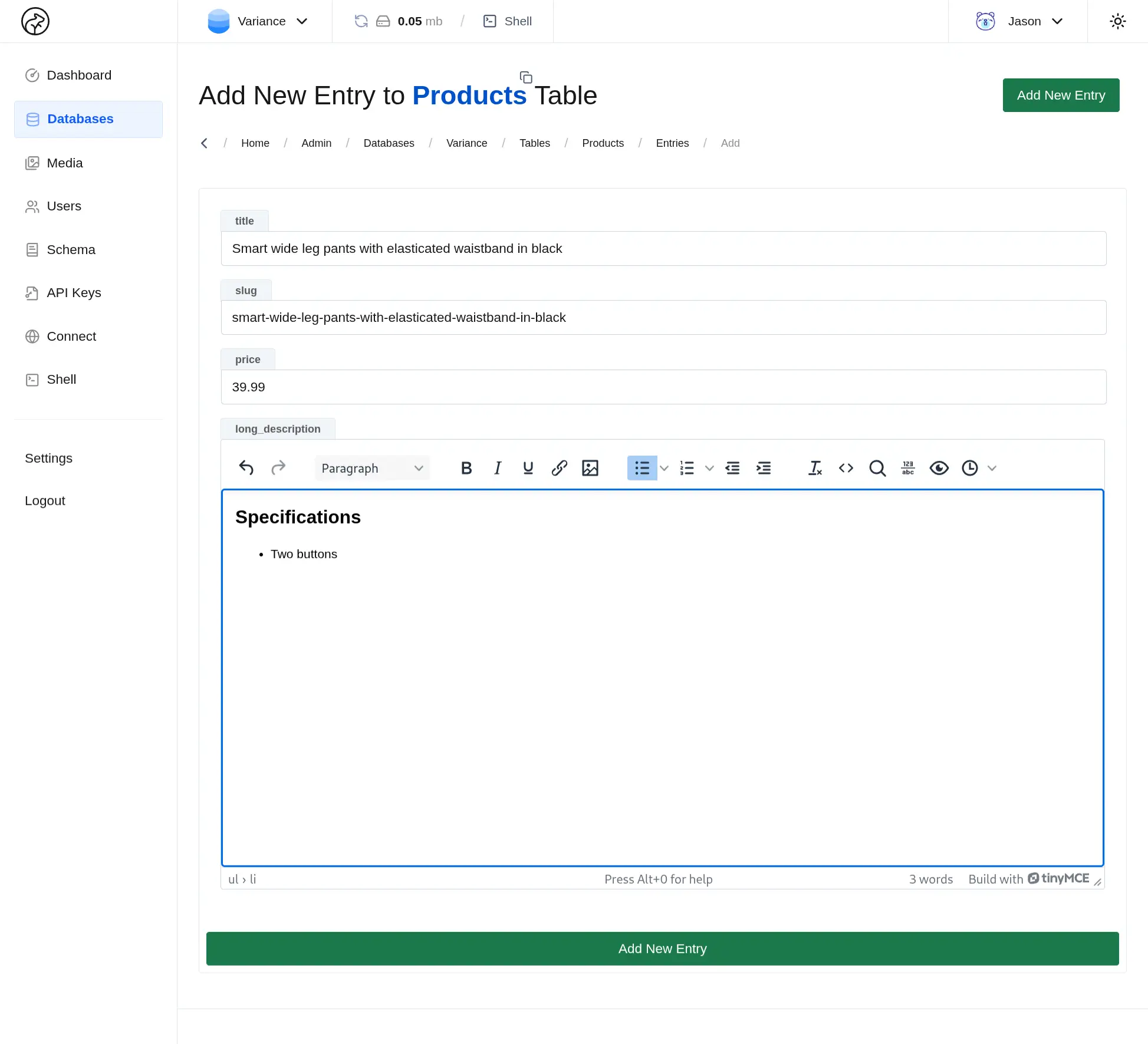
Edit rich content where the data already lives. HTML, Markdown, JSON, YAML, and code fields open with the right editor automatically, so your team can work faster without jumping between external tools.
TinyMCE editing for HTML content
Markdown writing with live preview
JSON and YAML editing with syntax support
Monaco-powered editing for code fields
Controlled Access
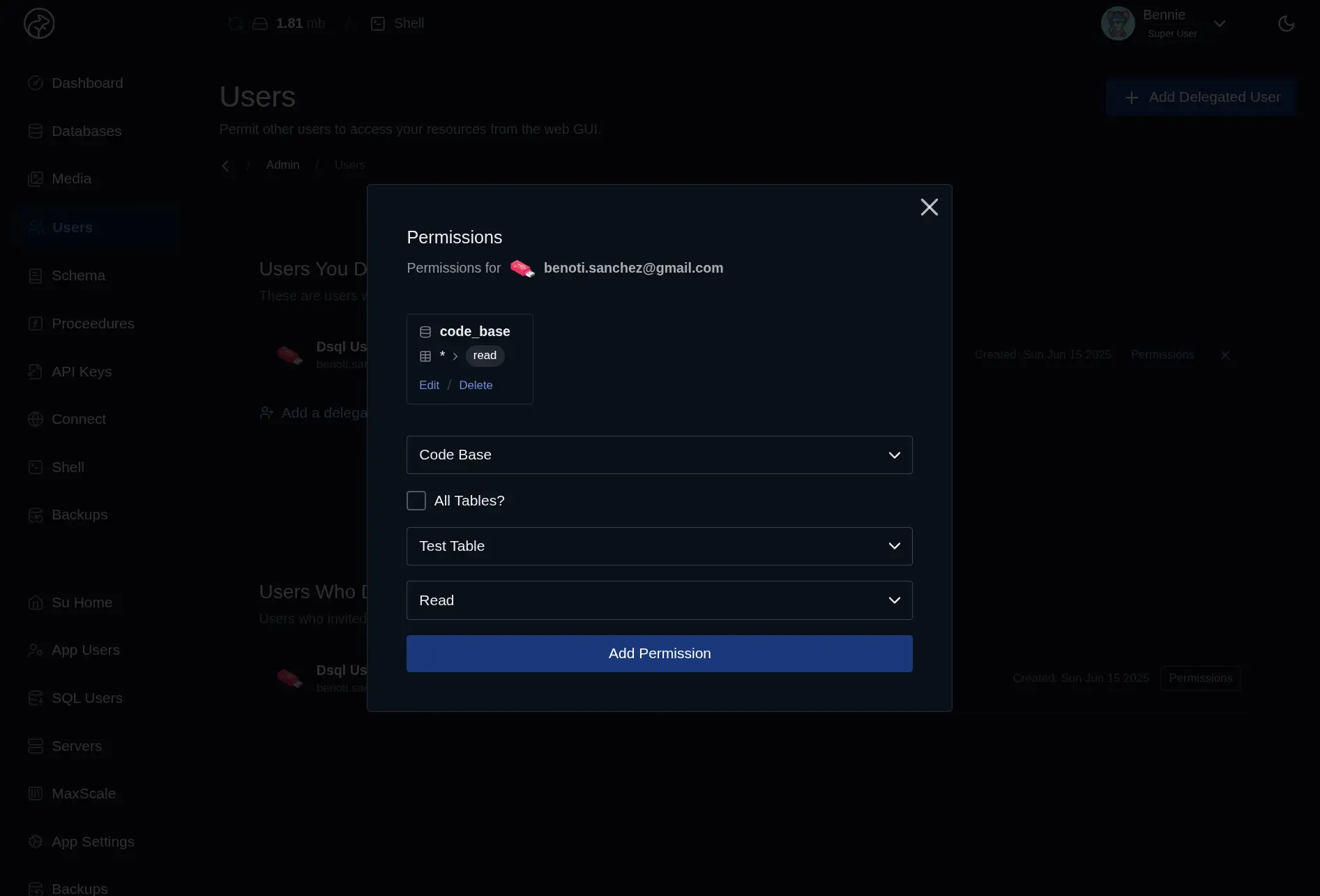
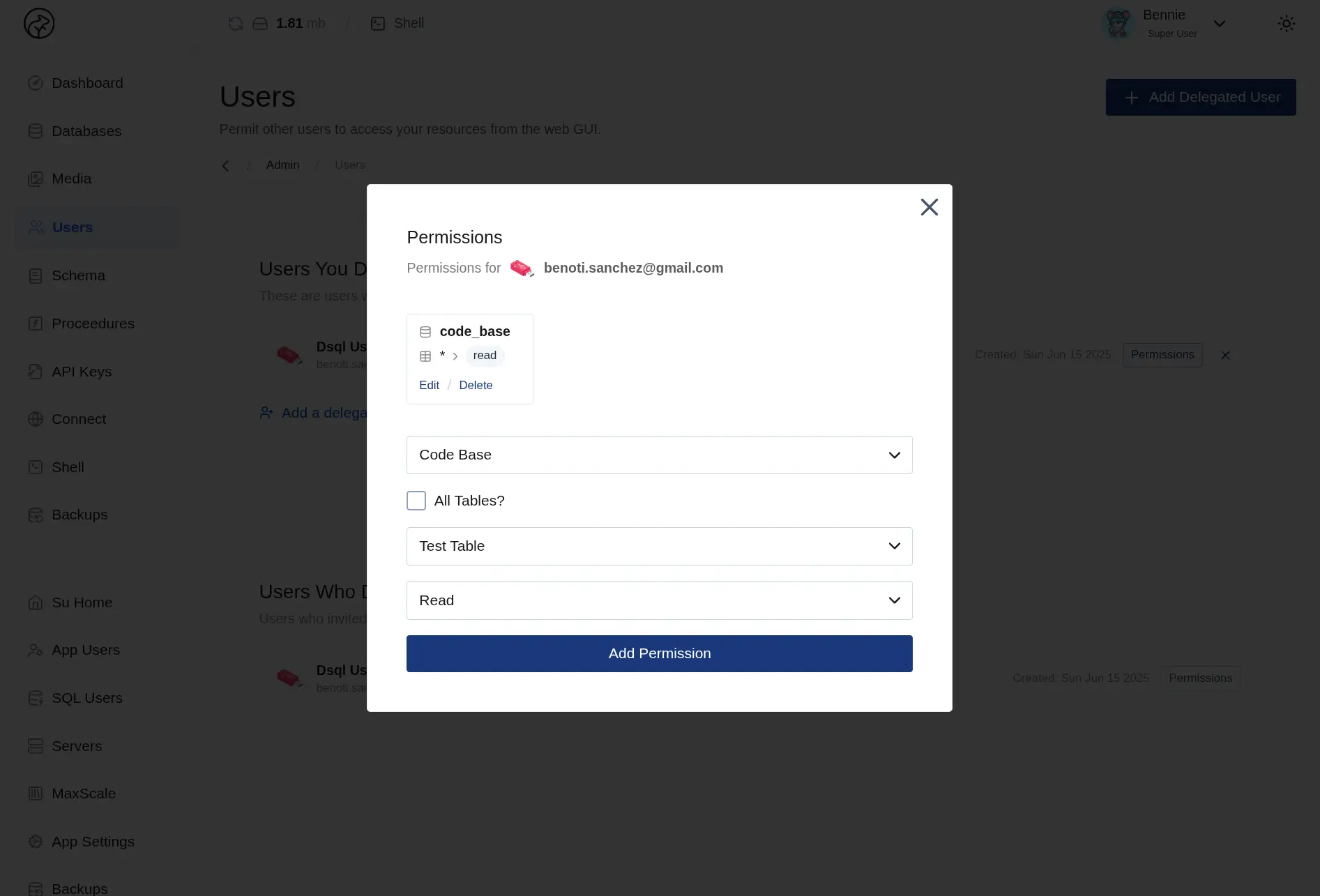
Give people and services access to exactly the databases they need, without handing over your whole account. Datasquirel keeps invites, scoped API keys, and revocation in one place so permissions stay easy to reason about.
Invite collaborators to specific databases
Scoped API keys per database
Delegate access without sharing master credentials
Revoke users and keys instantly