Media Storage
Keep files close to the data they belong to. Datasquirel lets you upload, organize, protect, and serve media without adding a separate storage product to the stack.
How It Works
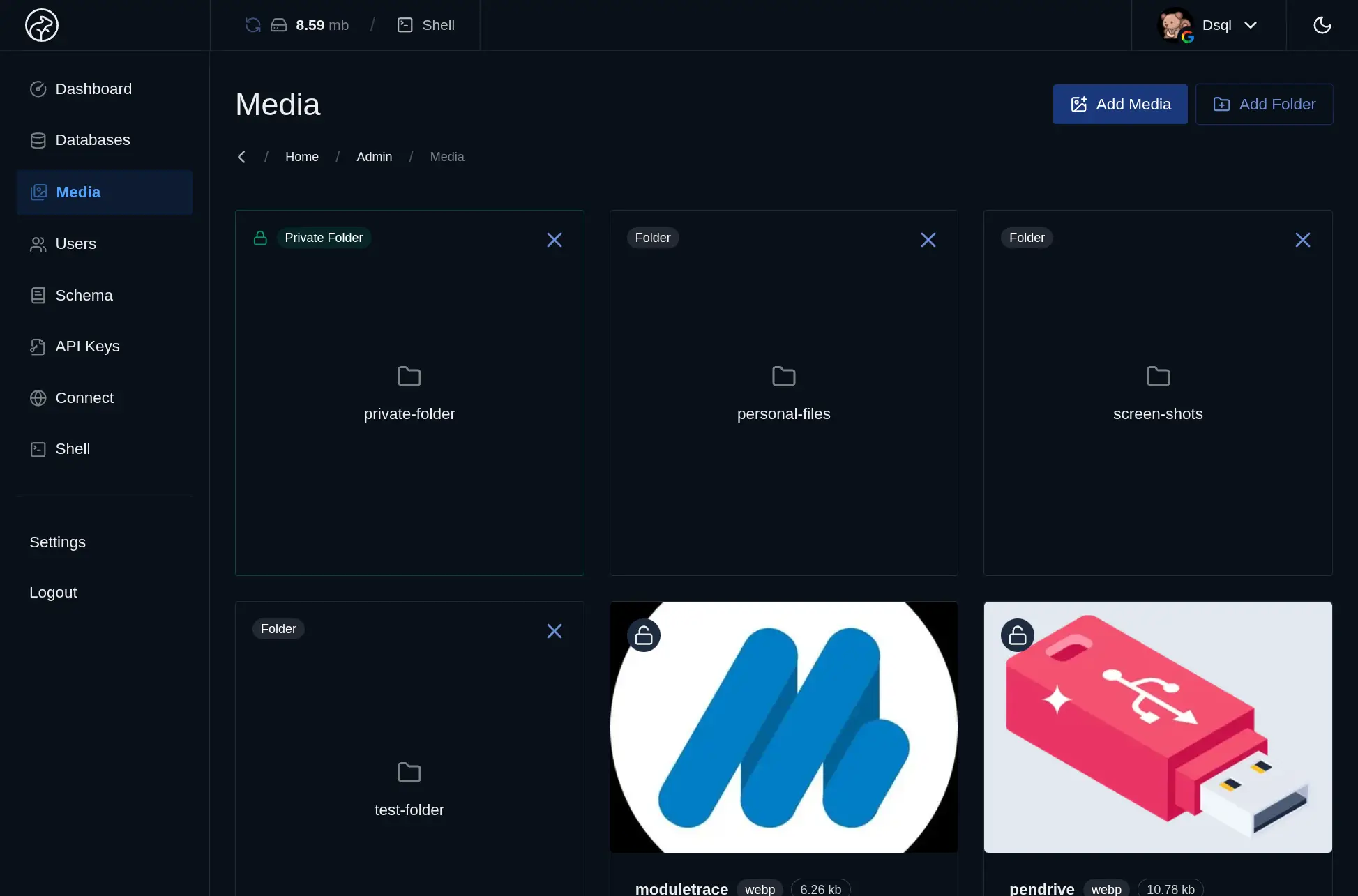
- Create folders to organize uploads by app, content type, or workflow
- Upload files through the admin UI or the REST API, including images, documents, videos, and other assets
- Serve files immediately from a dedicated file-serving layer that stays separate from the main API traffic
- Toggle privacy by folder whenever a group of files should require controlled access
Key Features
Public and Private Folders
Choose whether a folder should be openly available or protected. That makes it easy to mix public assets like product images with restricted files like invoices or internal documents.Automatic Thumbnail Generation
Datasquirel creates thumbnails for uploaded images so applications can use smaller, UI-friendly versions without extra processing pipelines.Dedicated Static File Server
Media requests are served separately from the core API, which helps keep asset delivery from competing directly with database-heavy application traffic.API Upload Support
Applications can upload files programmatically, which means user-generated assets and backend workflows can plug into Datasquirel without a separate storage integration.Use Cases
- Product images: Store and serve catalog imagery with thumbnails ready for listings and grids
- User uploads: Capture profile photos, attachments, or submitted documents alongside the related records
- CMS assets: Organize the files behind blog posts, landing pages, and editorial content
- Private documents: Protect sensitive files with database-managed access controls and expiring keys